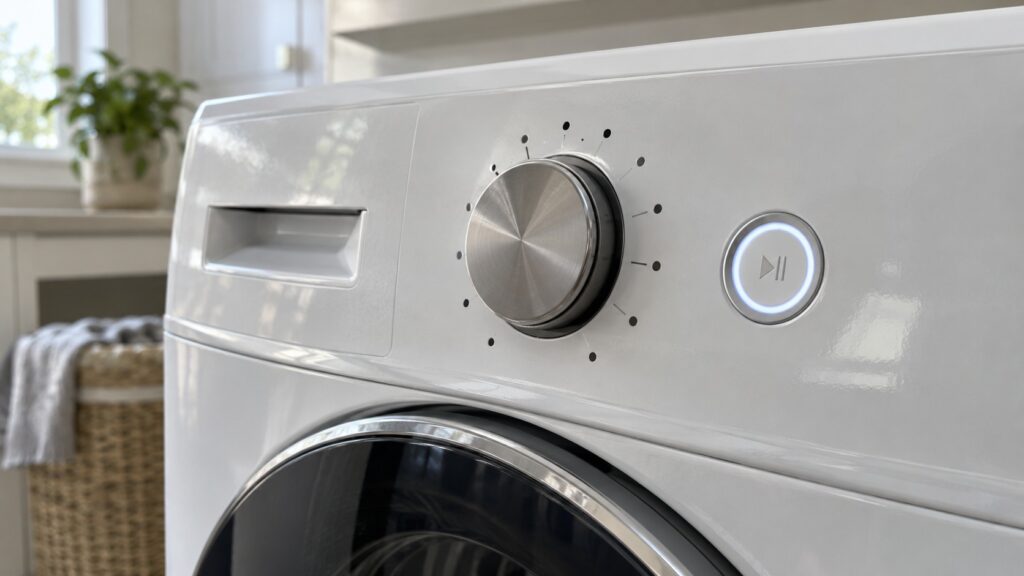
Whirlpool Quick Wash is a cycle name that appears on at least twelve of the fourteen washer model pages on this site, alongside Deep Water Wash, Auto Sensing, Load & Go XL, Steam, Sanitize and a few other terms. The pages list these names without giving cycle times, temperatures or water levels, so this glossary does the useful part: it tells you what each term is, which models list it, and what to look up in your owner’s manual before you rely on it.
What is Quick Wash on a Whirlpool washer?
Quick Wash is the name of a cycle. It is listed on front-load models such as the WFW5605MW, WFW6620HW and WFW8620HW and on top-load models such as the WTW4307SW, WTW4300SW and WTW6150PW. As the name says, it is a faster cycle, but the model pages do not give its running time, its water temperature or the load size it is meant for. Those details differ by model and control panel, so read the cycle chart on the lid or in your owner’s manual before you rely on it for something important. A quick cycle is a sensible choice for a small, lightly soiled load, and it is not the place for a heavily soiled one.
If your washer ends a Quick Wash with soap left in the fabric or with the load still wet, treat that as a sign to look at the washer, not at the cycle. Overloading, too much detergent and a slow drain are the usual reasons, and our Whirlpool washer will not drain guide helps you rule out the last one.
What is the Deep Water Wash option?
Deep Water Wash is listed as an option on top-load washers, including the WTW4307SW, WTW4957PW, WTW5057LW, WTW6157PW and WTW6150PW. It is an option, not a separate cycle, which means you choose it in addition to the cycle you have already selected. The site does not state the water level it uses, so check the manual for how it changes the fill. In practice, any option that adds water also adds fill time, so a washer that takes a long time to fill is not automatically broken. If the fill drags on and the display shows a code, read our F8E1 long fill guide.
What does Auto Sensing mean?
Auto Sensing appears among the key features on top-load models such as the WTW4957PW, WTW4300SW and WTW5020SW. The pages list the name and do not say what the washer senses or how it uses the reading. The honest answer for now is that it is a built-in feature, not a button you press, and the manual for your model is the place to confirm what it adjusts. What you can do is give any sensing feature a fair chance: do not stuff the drum, do not add more detergent than the manual says and do not stop the washer mid-cycle to add items unless the manual allows it.
What are Load & Go XL and Load & Go XL Plus?
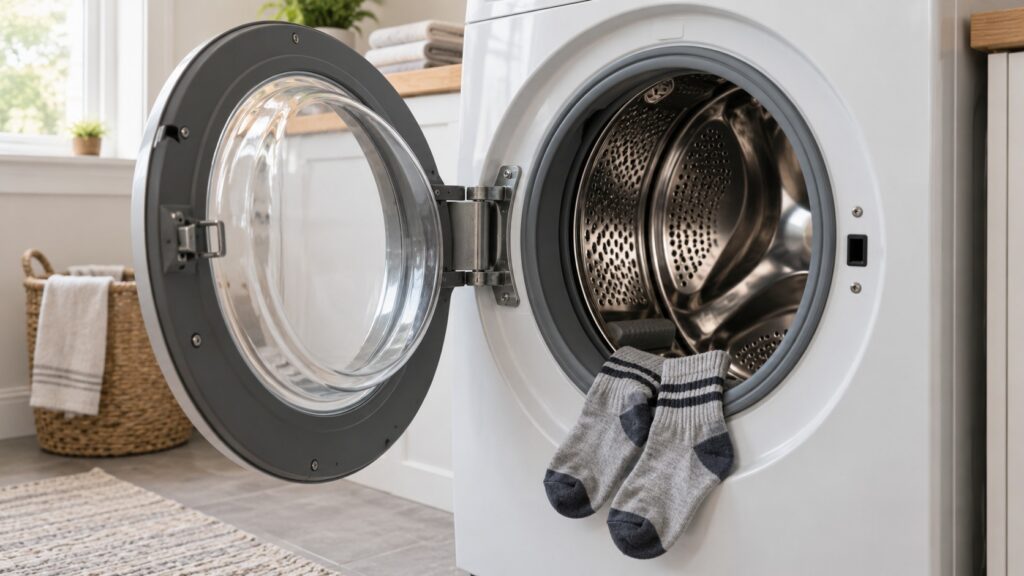
These are dispenser names. The WFW5620HW and WFW6620HW list a Load & Go XL dispenser, and the model pages say it holds enough detergent for up to 40 loads. The WFW9620HW lists Load & Go XL Plus, and the WTW7120HW lists a Load & Go dispenser. Because the dispenser holds detergent for many loads, the type of detergent and the dose per load matter more than they do with a drawer. Use a detergent that your manual approves for your washer, and follow the manual’s guidance on filling and on cleaning the dispenser. If the dispenser area develops a smell or residue, see our Whirlpool washer cleaning and odor guide.
What do Steam, Steam Clean and Sanitize mean?
Several front-load models list a steam feature: a Steam cycle on the WFW5605MW, WFW5620HW and WFW9620HW, and a Steam Clean option on the WFW8620HW. The WFW5620HW also lists a Sanitize cycle. The site names these without describing them, so do not assume that Steam Clean is the same thing as a Steam cycle, or that Sanitize is a substitute for a normal wash. Which fabrics they suit and how they change the cycle is in your owner’s manual. As a safety rule, never open the door of a machine that is hot or has water in the drum, and never use a steam or sanitize option to try to fix a washer that is already throwing a code.
What are the other terms you will see?
A handful of other names turn up on the model pages:
- 2-in-1 Removable Agitator. On the WTW4307SW the page says you can wash with the post in place or take it out for bulky loads.
- Soil Level selection. Listed on the WTW4957PW as adjustable soil levels.
- Presoak option. Listed on the WTW6150PW.
- Built-In Water Faucet. Listed on the WTW5020SW and WTW7120HW; the WTW5020SW page ties it to pretreating.
- Vibration Control Technology. Listed on the WFW5605MW.
- Closet-Depth Fit. Listed on the WFW6620HW and describes the depth of the washer.
None of these is an error code, and none of them should be confused with the F-codes your display can show. For those, use our Whirlpool washer error codes glossary.
How do you find the right cycle for your own washer?
Start with the model number on the label, which is usually inside the door opening or under the lid. Find that model’s page on this site to see which terms it lists, then open the owner’s manual to the cycle chart. Match each cycle name to its purpose and note anything the manual says not to combine. Our Whirlpool washer how it works guide explains the basic wash, drain and spin sequence, which helps you tell a long cycle from a stuck one. If a cycle behaves differently from the manual, Whirlpool washer repair can check the washer itself.